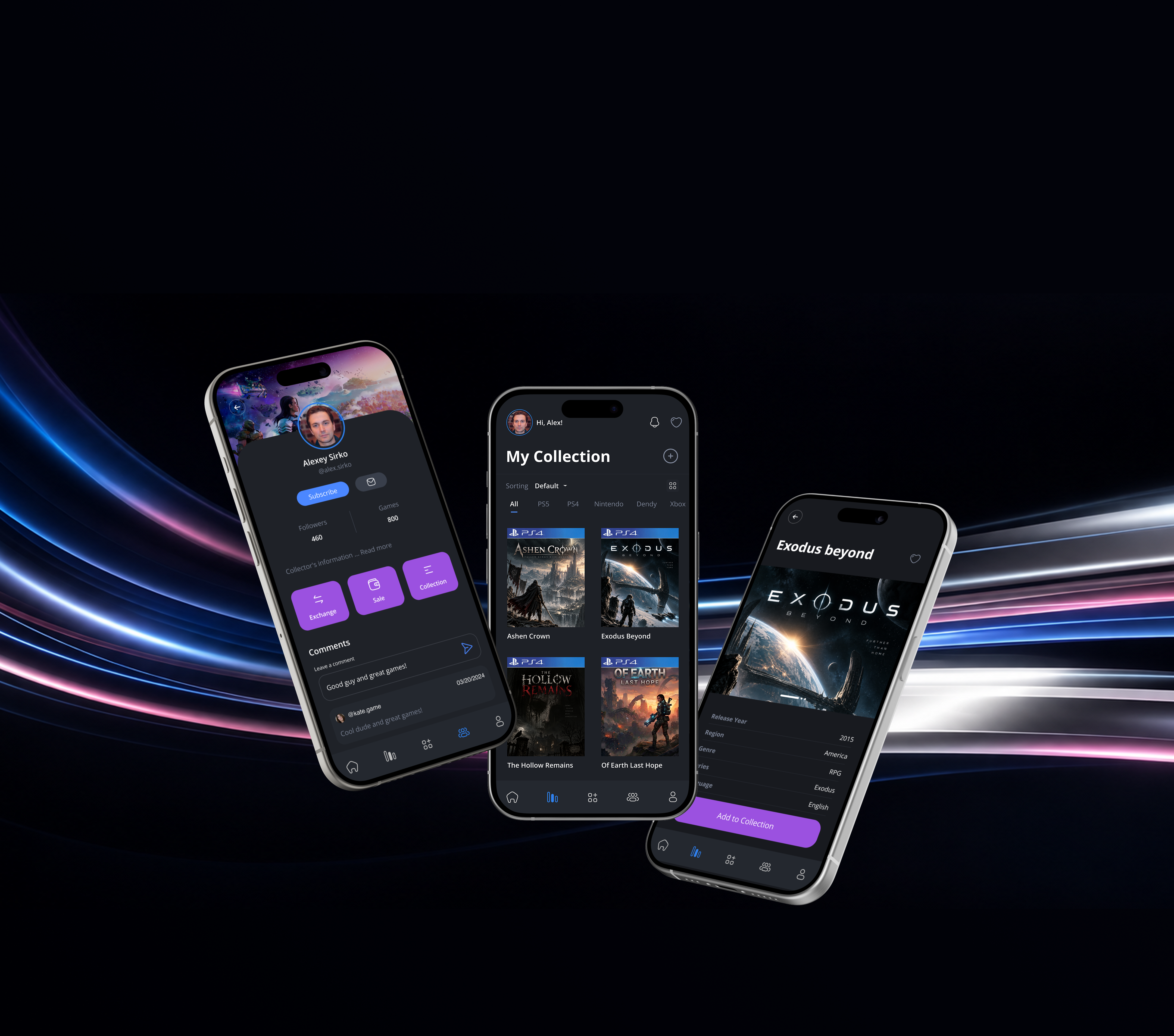
Build and show off
your own game collection
with MyCo mobile app
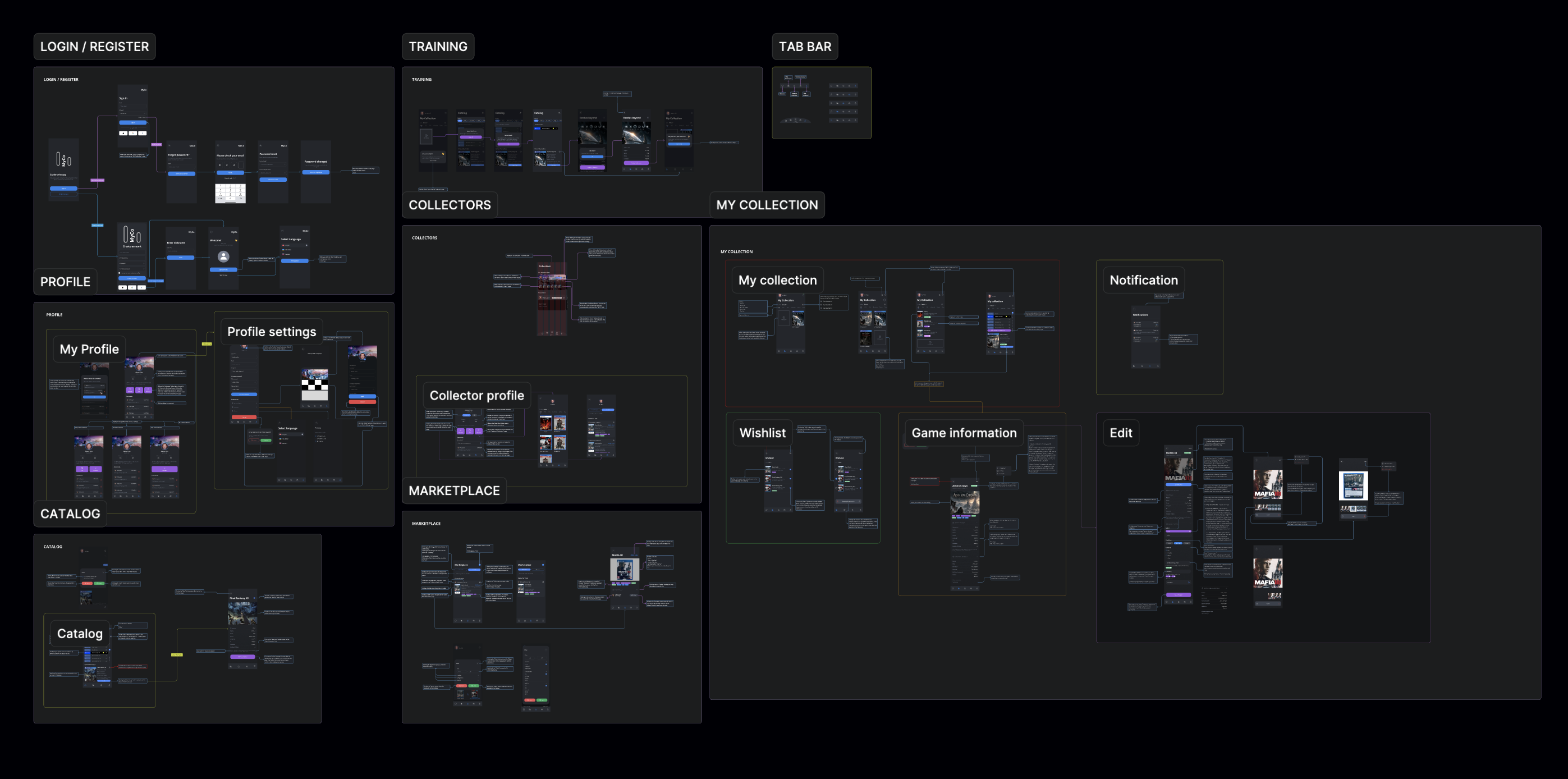
From a single idea to a finished flow
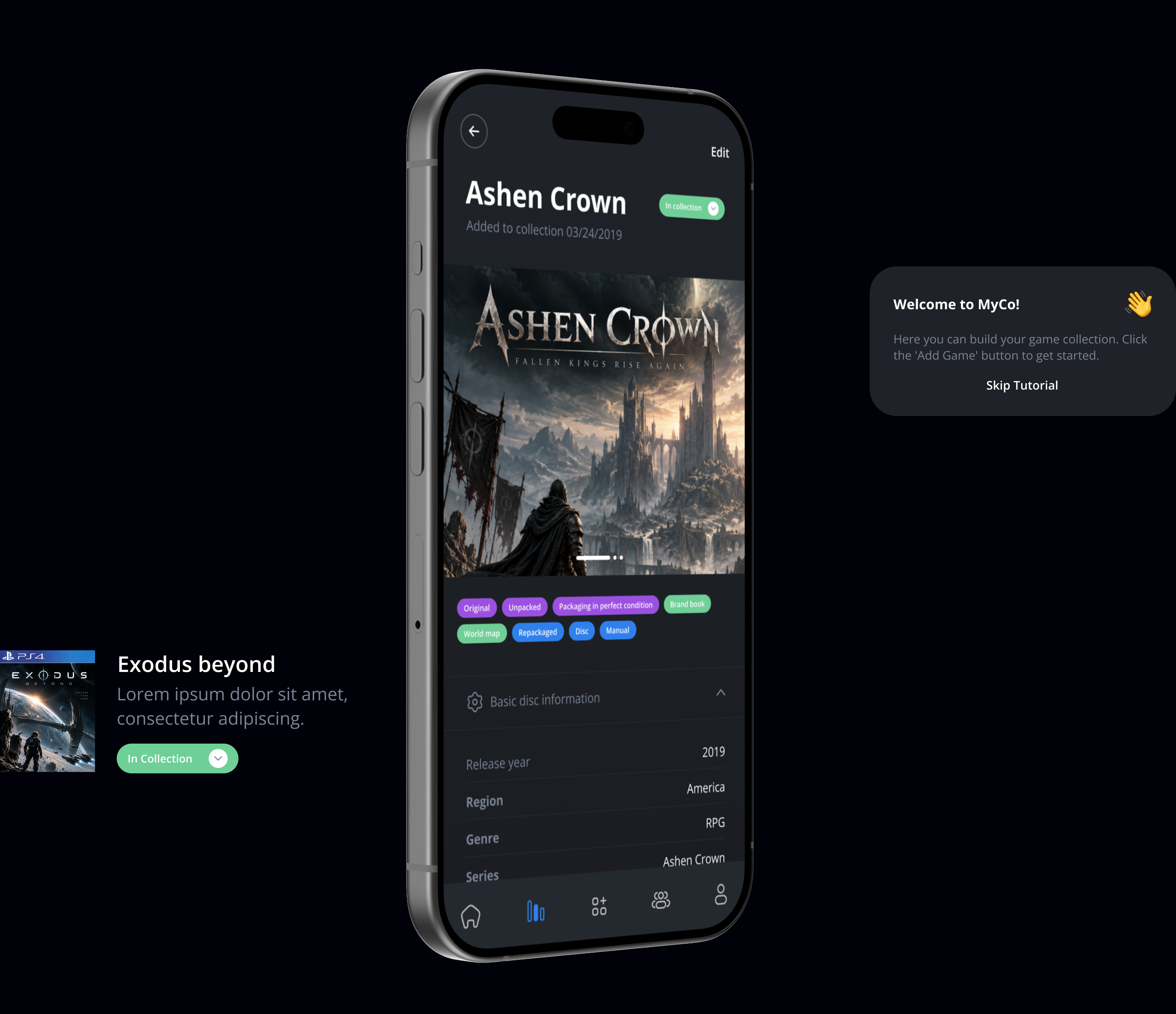
Defined the key user scenario: find a game → add it to the collection → manage it → share it.
Mapped the app's structure — catalog, collection, profile — and moved straight into final visual design.
Designed the "add a game" flow — photo, description, condition — as one seamless step.
Designed the sorting logic for the collection by genre, year, and condition.
How it works — three steps to your collection
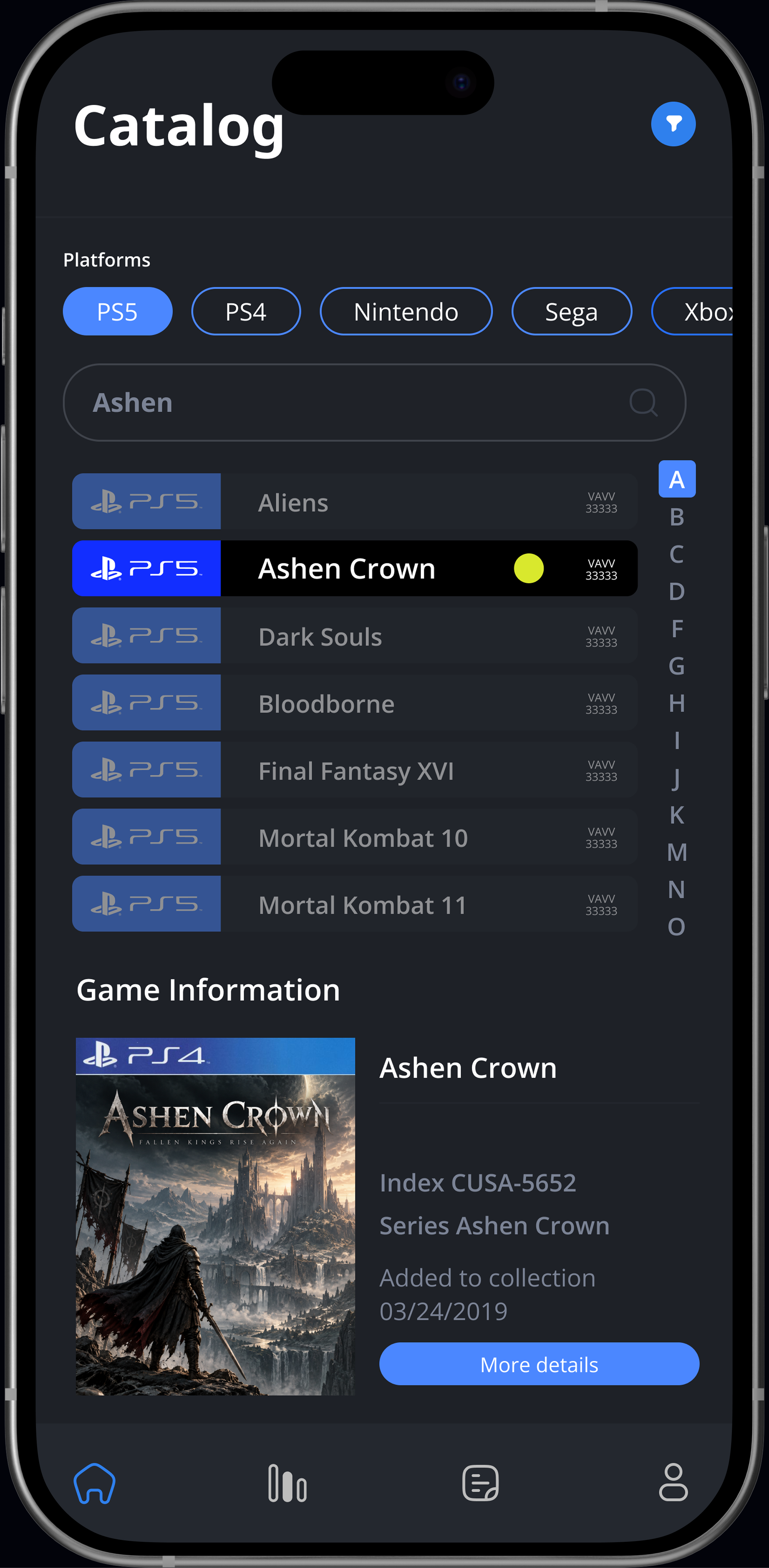
Step 1. Add a game to your collection
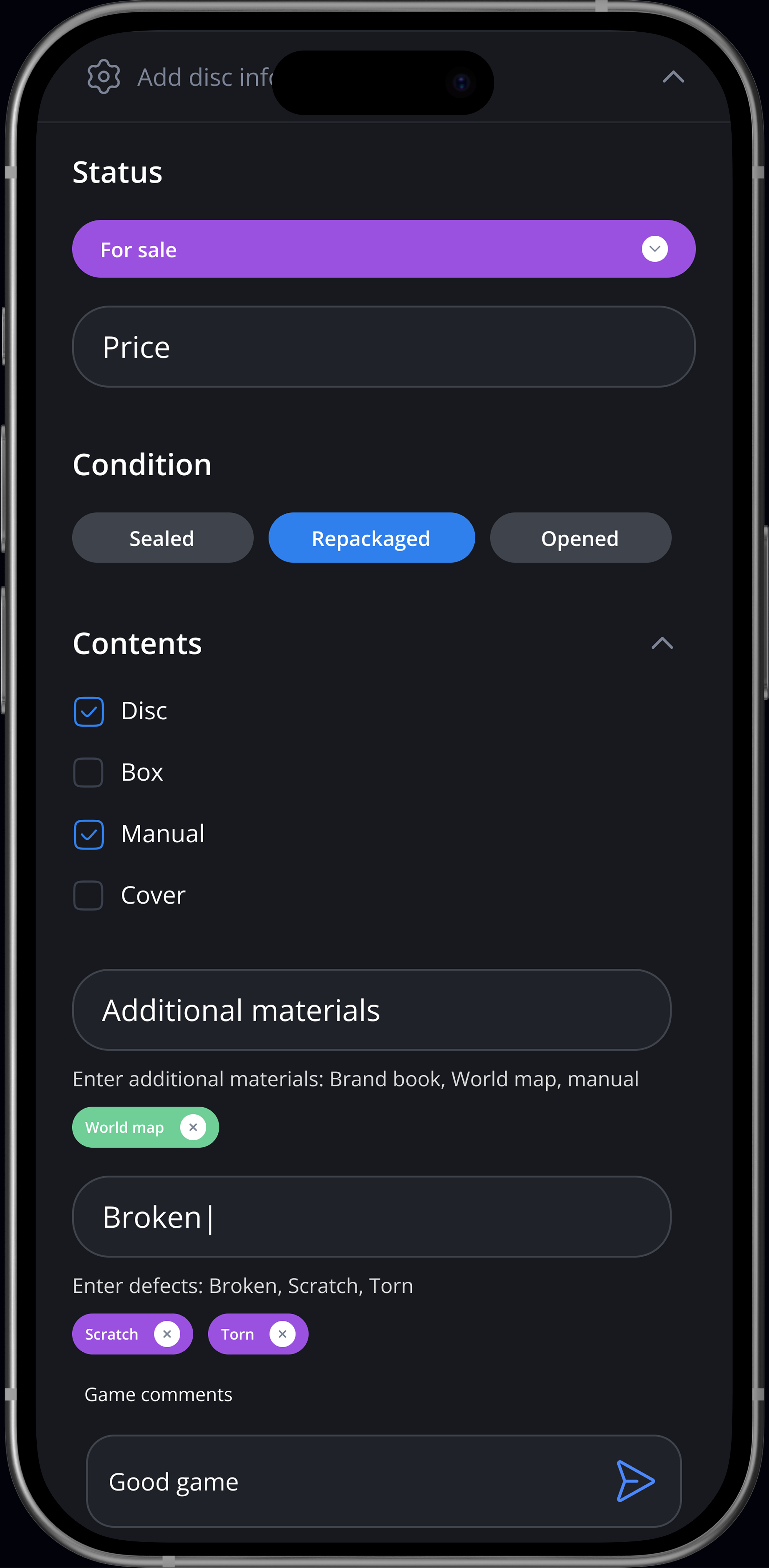
Find a title in the catalog or add a new one — photo, description, and condition (sealed, repackaged, or opened) in one seamless step.
Step 2. Manage your collection
Sort and filter by genre, year, or condition, track extra materials and defects, and keep notes on every game you own.
Step 3. Share with friends
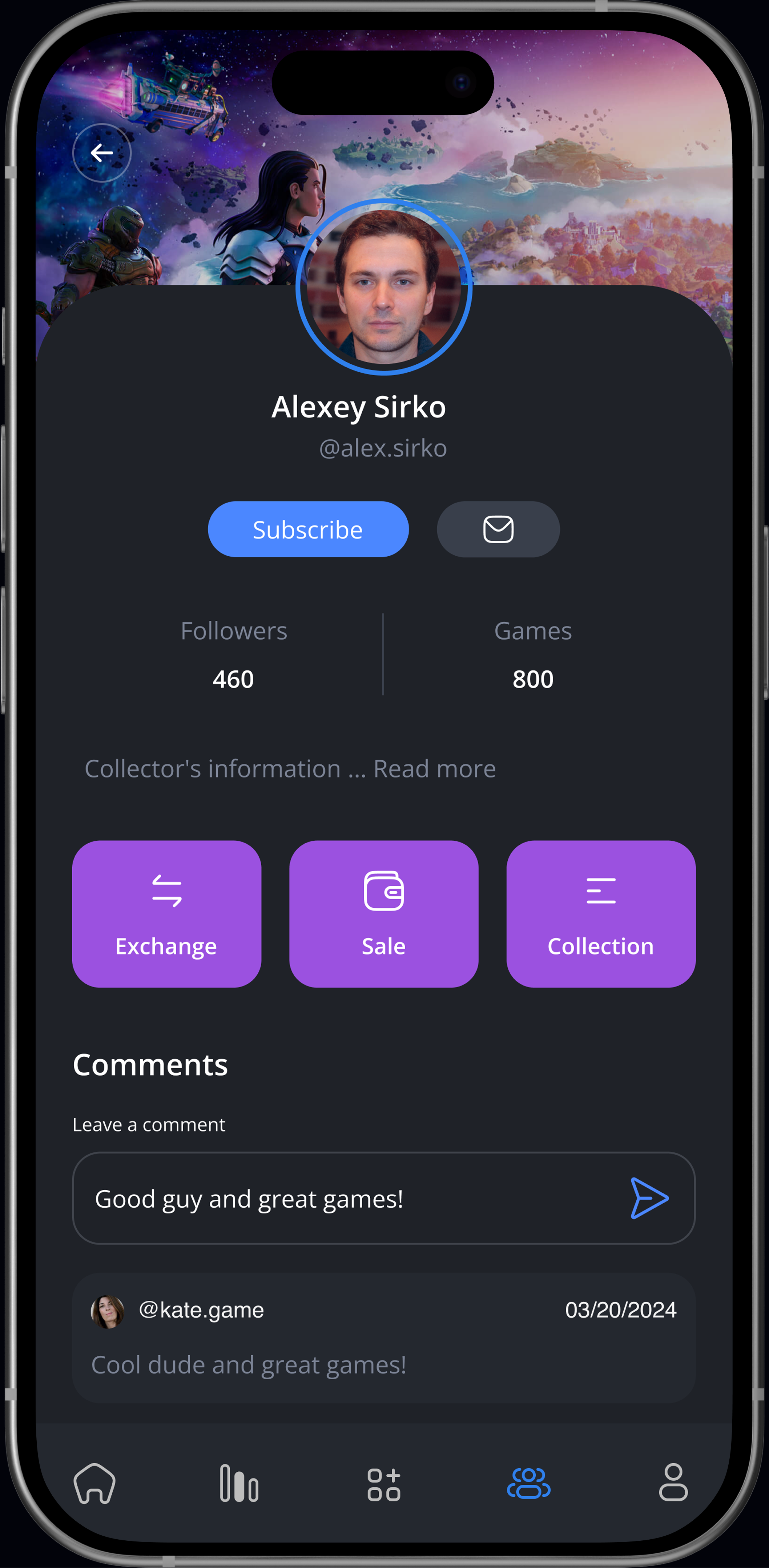
Show off your collection on a public profile, exchange or sell games, and connect with other collectors through comments.
The app was designed entirely from scratch — from the catalog and collection storage system to a shareable profile. Users go from finding a game to a fully personalized collection in three simple steps.